Every small team running Kubernetes has that upgrade.
It has been on the board for three sprints. Everyone agrees it needs doing. Nobody wants to break production on a Thursday. Meanwhile, the cluster keeps getting further behind.
If the same two engineers maintain your infrastructure and ship your product, this probably isn’t a Kubernetes skills problem. It’s a capacity problem.
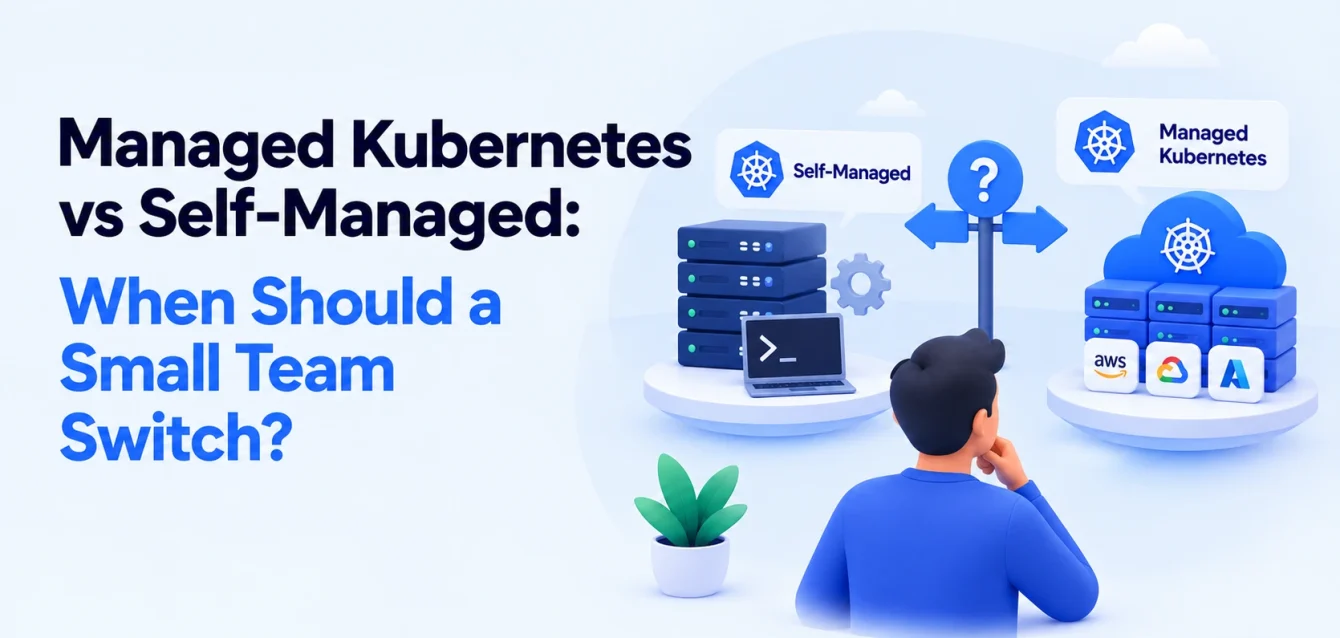
Managed Kubernetes becomes worth considering when the cost of cluster maintenance, on-call coverage, and operational risk outweighs the value of keeping those responsibilities in-house. Self-management remains a reasonable choice when maintenance is predictable, knowledge is shared, and upgrades happen on schedule.
The decision starts with understanding what “managed” actually includes.
Managed vs self-managed Kubernetes: what’s the difference?
With self-managed Kubernetes, your team operates the cluster, including its control plane, worker nodes, upgrades, networking, and recovery.
With a cloud-managed Kubernetes service such as Amazon EKS, Google Kubernetes Engine (GKE), or Azure Kubernetes Service (AKS), the cloud provider operates the control plane. Responsibilities beyond that depend on the service, configuration, and management mode you choose.
With a managed Kubernetes operations partner, another team takes responsibility for agreed operational work. That might include upgrades, patching, monitoring, and incident response. The contract determines the boundary.
These are different levels of management:
| Operating model | What is managed for you? | What your team still owns |
|---|---|---|
| Self-managed Kubernetes | Underlying infrastructure services, depending on hosting | Control plane, nodes, cluster components, workloads, and operations |
| Cloud-managed Kubernetes | Control plane, plus selected node and component capabilities | Workloads, configuration, and operational tasks outside the chosen service scope |
| More automated cloud modes | Control plane and more infrastructure operations, such as node lifecycle management | Application compatibility, workload security, configuration, and remaining integrations |
| Kubernetes operations partner | Tasks explicitly included in the agreement | Application responsibilities and anything excluded from the contract |
The useful question is: who owns each operational task, and who responds when it fails?
Why EKS, GKE, or AKS may still need significant maintenance
“We use EKS” doesn’t tell you how much Kubernetes work your team does.
A managed control plane removes substantial work. Your team may still need to maintain ingress controllers, storage integrations, certificates, access policies, observability, backup procedures, and application compatibility.
The split varies. GKE, for example, manages upgrades while customers remain responsible for preparing workloads to tolerate disruption. Its Autopilot mode also manages worker nodes. Google’s lifecycle documentation explains that boundary.
EKS Auto Mode takes on node lifecycle management and several infrastructure capabilities. However, customers still own their applications and must maintain components outside that managed scope. See the EKS Auto Mode upgrade responsibilities.
That distinction matters when comparing providers. A service that automates nodes may solve your main problem. A team struggling with application incidents and unclear ownership may need broader operational support.
What self-managed Kubernetes really costs
Your cloud bill captures infrastructure spend. It doesn’t capture all the work required to keep the cluster useful.
For a small team, Kubernetes operating costs usually fall into four categories:
- Infrastructure: compute, storage, networking, load balancers, and cluster fees.
- Maintenance: upgrades, patching, add-on compatibility, access reviews, and backup testing.
- Incidents: investigation, recovery, and follow-up work.
- Delivery capacity: product work delayed while engineers handle infrastructure.
Version support can also affect the bill.
Amazon EKS lists a cluster fee of $0.10 per hour during standard Kubernetes version support and $0.60 per hour during extended support. Standard support lasts 14 months from a version’s availability on EKS, followed by 12 months of extended support. Infrastructure charges are additional. Amazon EKS pricing
Using a 730-hour month, that is approximately $73 versus $438 per cluster per month in cluster fees alone.
The larger expense may still be the engineer who keeps postponing product work to prepare the upgrade.
A practical Kubernetes cost comparison
Start with this calculation:
Monthly operating cost = infrastructure + tooling + engineering time + incident costs
For engineering time:
Monthly cluster hours × loaded hourly engineering cost
Here is an illustrative example, not an industry benchmark:
| Cluster work | Combined team hours per month |
|---|---|
| Upgrades and compatibility testing, averaged across the year | 16 |
| Patching and add-on maintenance | 12 |
| Monitoring, capacity, and cost reviews | 8 |
| Access requests and deployment support | 8 |
| Incident response and follow-up | 12 |
| Total | 56 |
At an assumed loaded engineering cost of $100 per hour, that is $5,600 per month in engineering time, before infrastructure and tooling.
Compare a managed service against the hours it would actually remove. If the provider takes over 40 of those 56 hours, your team still retains 16 hours of work.
Include onboarding costs, retained responsibilities, and any change in infrastructure spend. Avoid counting incident-response hours twice or treating all recovered time as immediate cash savings. For a salaried team, the benefit often appears as greater delivery capacity.
Signs your small team should hand over Kubernetes operations
One delayed upgrade doesn’t settle the decision. A recurring pattern deserves attention.
Look for these signs:
- Maintenance keeps slipping. Upgrades and patches move between sprints because nobody has time to prepare them safely.
- Knowledge sits with one person. Only one engineer understands networking, ingress, or recovery.
- Infrastructure interrupts product work. Node failures, disk pressure, and certificate problems repeatedly pull developers away.
- Security findings have no clear owner. Vulnerable images and outdated components remain in the backlog.
- Routine changes create bottlenecks. Developers wait for help with configuration, access, or resource settings.
- Recovery is assumed. Backups exist, but nobody has tested rebuilding the environment and restoring its data.
- Costs are difficult to explain. Nobody can connect cluster spending to environments, workloads, or teams.
There is no universal score that means “outsource now.” Use these signs to identify which responsibilities your team cannot reliably sustain.
Four ways to reduce Kubernetes maintenance
1. Improve your existing setup
If the main problem is inconsistent execution, a focused cleanup may be enough.
Keep configuration in version control. Maintain an upgrade runbook. Automate repeatable dependency updates and schedule maintenance before support deadlines become urgent.
Share operational knowledge with a second engineer. Automation helps, but a cluster still needs someone who can investigate when automation fails.
This option fits teams whose maintenance workload is manageable but poorly organized.
2. Use more cloud-managed capabilities
Before hiring an operations partner, review what your cloud provider can take over.
GKE Autopilot and EKS Auto Mode manage more infrastructure work than their less automated configurations. For example, Autopilot manages control plane and node upgrades, with maintenance controls available to influence timing. GKE Autopilot upgrade documentation
Check workload compatibility, configuration restrictions, pricing, and the components that remain your responsibility.
This option fits teams whose main burden is node and infrastructure lifecycle management.
3. Bring in a Kubernetes operations partner
A partner can take responsibility for maintenance and incident response while your developers continue deploying applications.
The value depends on scope. “Managed Kubernetes” could mean business-hours advice, proactive upgrades, or round-the-clock operational ownership.
Compare written responsibilities rather than service labels.
This option fits teams that need Kubernetes but cannot sustainably staff its operations.
4. Move to a simpler application platform
Some workloads don’t need Kubernetes.
If you run a few conventional services and make little use of Kubernetes-specific capabilities, evaluate alternatives such as ECS on Fargate or a managed application platform.
Include migration work, networking requirements, deployment workflows, and stateful services in the comparison. A simpler platform can reduce maintenance, but changing platforms has a cost too.
This option fits teams whose infrastructure complexity has outgrown their application requirements.
When self-managed Kubernetes is still the right choice
Keeping operations in-house can make sense when:
- Cluster maintenance takes a predictable amount of time.
- At least two people can operate and recover the environment.
- Upgrades happen on a schedule.
- Your workloads require control that other options would restrict.
- Recovery procedures are tested.
- Infrastructure expertise supports an important business requirement.
Cluster count alone is a poor decision rule. One heavily customized production cluster can require more attention than several standardized environments.
If self-management is working, improve its reliability. Keep configuration in Git, document recovery, automate routine changes, and measure maintenance time.
A Kubernetes upgrade checklist for small teams
Upgrades show how much operational work remains after choosing a managed control plane.
Use this checklist as a planning framework. Follow your provider’s documented upgrade sequence and component compatibility requirements.
- Review the target version. Check release notes, removed APIs, supported upgrade paths, and known issues.
- Check workloads and integrations. Inspect manifests, Helm charts, controllers, admission webhooks, and storage integrations.
- Confirm component compatibility. Establish which add-ons need updating before, during, or after the cluster upgrade.
- Verify recovery procedures. Check backups, restore tests, and the recovery options available for your platform.
- Test in non-production. Exercise deployments, ingress, DNS, storage, scaling, and important application journeys.
- Prepare for disruption. Review replicas, readiness checks, spare capacity, and Pod Disruption Budgets.
- Upgrade using the documented sequence. Apply control plane, node, and component changes as required.
- Validate production behavior. Check application errors, latency, scheduling, and infrastructure health.
- Update the runbook. Record failures, surprises, and the next maintenance date.
Two details are easy to miss. EKS does not automatically update installed EKS add-ons after a cluster minor-version upgrade. EKS add-on documentation
Pod Disruption Budgets can limit certain voluntary disruptions, but they do not prevent involuntary failures or guarantee uninterrupted service. Kubernetes disruption documentation
What should a managed Kubernetes service include?
Ask for a written responsibility matrix covering:
| Area | What to clarify |
|---|---|
| Upgrades | Who plans, tests, approves, and performs them? |
| Security patching | Which nodes, images, and components are covered? |
| Monitoring | Which alerts does the provider investigate? |
| Incident response | What coverage, response targets, and escalation paths apply? |
| Backup and recovery | Are cluster configuration, persistent data, and restore tests included? |
| Cost management | Who reviews capacity and approves changes? |
| Application support | Where does cluster troubleshooting end and application debugging begin? |
| Ownership and exit | Who owns accounts, configuration, access, and runbooks? |
Backup scope deserves particular attention. A copy of cluster configuration does not replace backups of application data.
Discuss ambiguous incidents before signing. If a deployment fails because its memory limit is too low, who diagnoses it? Who approves the change? Who stays involved until service is restored?
How to hand over Kubernetes operations
A handover should establish ownership before changing production responsibilities.
Start with an assessment of versions, components, access, monitoring, backups, costs, and known risks.
Next, agree on service coverage, escalation paths, maintenance windows, and approval rules. Give the provider the access and operational context needed to support the environment.
Test the arrangement in non-production. Walk through an alert, a deployment problem, a recovery scenario, and an upgrade.
Transfer production responsibilities in stages, then review the arrangement after a full maintenance cycle.
Keep configuration and runbooks in repositories you own. Make sure your team can regain operational control if the relationship ends.
Frequently asked questions
Is EKS already managed Kubernetes?
Yes. EKS is a managed Kubernetes service. How much work remains depends on your configuration, compute options, add-ons, and use of capabilities such as Auto Mode. A managed service does not remove every customer responsibility.
Can a two-person team run Kubernetes in production?
Yes, provided the environment is manageable, knowledge is shared, and maintenance and recovery receive enough attention. The warning sign is recurring operational work that the team cannot complete reliably.
Is managed Kubernetes cheaper than self-managed?
It depends on the scope and the engineering time saved. Compare infrastructure, service fees, onboarding, retained maintenance, and incident costs. Lower operational effort can create delivery capacity even when the cash bill increases.
Does managed Kubernetes mean no downtime?
No. Application design, dependency failures, capacity, maintenance, and configuration still affect availability. Review what any service-level agreement covers and how your workloads behave during disruption.
Do you have to migrate clusters to change who manages them?
Not necessarily. Some partners can operate existing clusters. Others require changes to accounts, networking, tooling, or architecture. Ask for an assessment before assuming the handover requires a migration.
Decide using your own operating costs
Start with the hours your team actually spends keeping Kubernetes running. Separate work that could be automated, work a provider could take over, and work your team would retain.
Then compare three realistic paths: improve the current setup, hand over operations, or simplify the platform.
Use our self-managed versus managed Kubernetes calculator to compare your maintenance time with a managed service estimate. Or book a cluster review to identify what could be automated, delegated, or simplified.
The right outcome is a setup your team can operate reliably while continuing to ship.