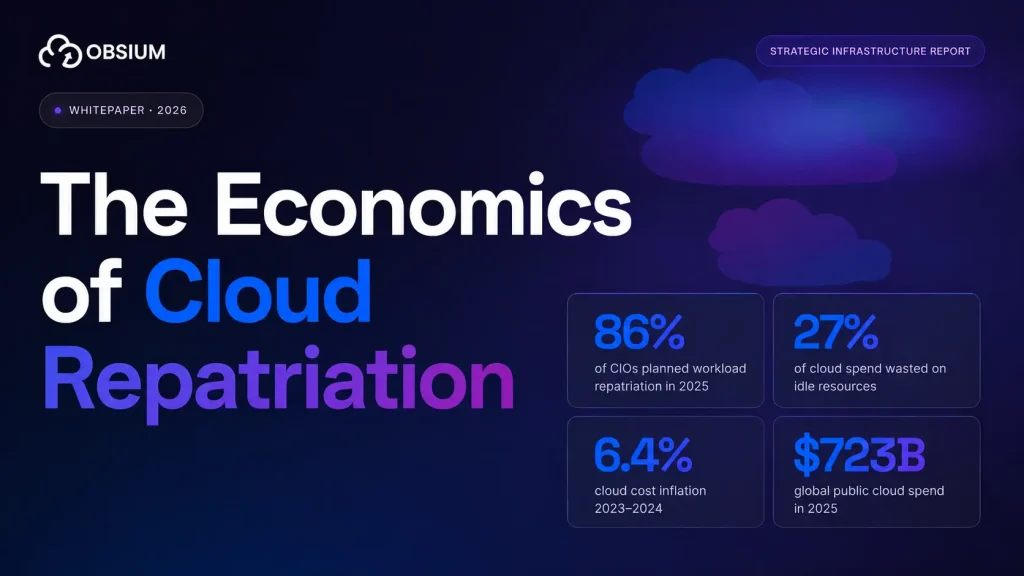


Cloud infrastructure spending crossed $675 billion in 2025. About 27% of it was wasted. That percentage has held between 27% and 32% every single year since 2019. Nobody is getting better at this (Spendark: State of Cloud Waste 2026).
Kubernetes was supposed to help. Pack more workloads onto fewer machines, scale up when you need it, scale down when you don’t. The theory is sound.
The practice is that most Kubernetes clusters run at 8% CPU utilization and 20% memory utilization, which is worse than the year before (Cast AI: 2026 State of Kubernetes Resource Optimization).
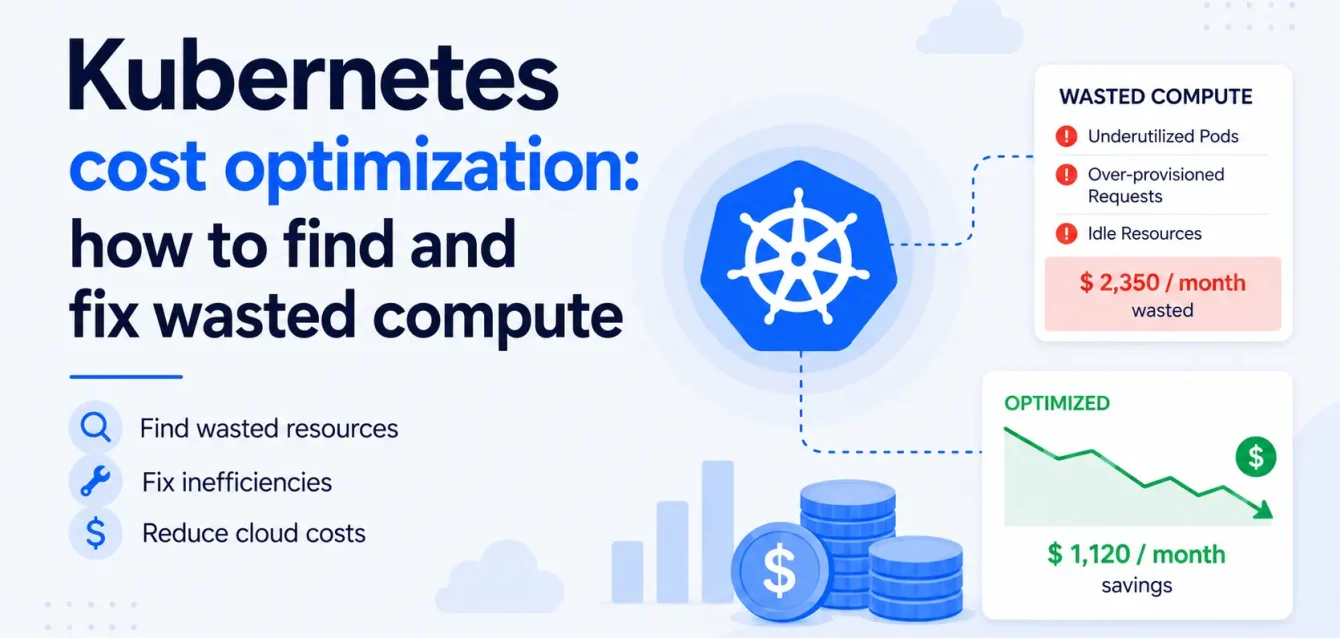
This post walks through where the waste is hiding, how to measure it with tools you probably already have, and what to fix first.
Where the waste actually is
The numbers from Cast AI’s 2026 report, measured across tens of thousands of production clusters on AWS, GCP, and Azure:
| Metric | 2025 | 2026 | Direction |
|---|---|---|---|
| CPU utilization | 10% | 8% | Getting worse |
| Memory utilization | 23% | 20% | Getting worse |
| CPU overprovisioning | 40% | 69% | Getting much worse |
| Memory overprovisioning | — | 79% | — |
| GPU utilization | — | 5% | — |
That CPU number is worth sitting with for a moment. For every dollar you spend on CPU in your Kubernetes cluster, 92 cents of compute sits idle. Not reserved for burst capacity. Not allocated for failover. Just unused.
GPU is even worse. Teams running AI and ML workloads on Kubernetes are paying for GPU instances at $2-4 per hour per GPU and using 5% of the capacity. That is not a rounding error. That is burning money.
Why this keeps getting worse
The pattern is the same at almost every company.
A developer sets resource requests and limits at deploy time based on:
- A rough guess
- Local testing numbers that do not reflect production
- Whatever the last team used
The application goes to production, and nobody revisits those numbers.
Then the padding starts:
- A pod gets OOM-killed because memory requests were too low
- The team doubles the memory request “just to be safe”
- The application runs fine at the new setting
- Nobody ever checks whether the new setting is 4x more than needed
- Multiply this by every pod in the cluster
A January 2026 study of 3,042 production clusters found that 68% of pods request 3-8x more memory than they actually use. 64% of engineering teams admitted to adding “just to be safe” headroom of 2-4x after a single OOM incident (Wozz: Kubernetes Memory Overprovisioning Study 2026).
The cost of that padding is invisible to the team doing the padding. The platform team sees the infrastructure bill. The application team sees “my app runs fine.” Nobody connects the two.
How to measure the waste
You do not need a paid tool to find overprovisioned workloads. If you are running Prometheus and Grafana (which most Kubernetes teams are), you already have the data. You just need to query it.
CPU: requested vs. used
This Prometheus query shows how much CPU each workload is requesting versus how much it actually uses over the past 7 days:
sum(rate(container_cpu_usage_seconds_total{container!=""}[7d])) by (namespace, pod)
/
sum(kube_pod_container_resource_requests{resource="cpu"}) by (namespace, pod)
Any workload consistently below 20% is a candidate for right-sizing. Below 10% is almost certainly overprovisioned.
Memory: requested vs. used
Same idea for memory:
sum(container_memory_working_set_bytes{container!=""}) by (namespace, pod)
/
sum(kube_pod_container_resource_requests{resource="memory"}) by (namespace, pod)
This gives you the ratio of actual memory usage to what you requested. A workload requesting 2 GB and using 400 MB is at 20%, meaning you are paying for 1.6 GB of memory that sits empty.
The top wasters dashboard
Build a Grafana dashboard with these panels:
- Top 10 CPU wasters by namespace: Workloads with the biggest gap between requested and used CPU
- Top 10 memory wasters by namespace: Same for memory
- Node utilization heatmap: Which nodes are underloaded and could be consolidated
- Pod count vs. resource utilization: Namespaces with many pods but low utilization per pod
This dashboard alone will tell you where 80% of the waste is. Most teams have never built it because nobody asked the question.
What to fix first
Not everything needs to be fixed at once. Start with the changes that save the most money with the least risk.
1. Right-size the obvious outliers
Sort your workloads by the gap between requested and used resources. The top 10% of wasters usually account for 50-60% of the total waste. These are the pods requesting 4 GB of memory and using 300 MB, or requesting 2 CPU cores and averaging 0.1.
For each one:
- Look at 30 days of usage data, not just the average. Check the peaks.
- Set requests to the 95th percentile of actual usage plus a 20-30% buffer
- Set limits to 2x the request (or remove CPU limits entirely, since CPU throttling often causes more problems than it solves)
- Deploy the change to a staging environment first
- Roll out to production and monitor for a week
2. Use the Vertical Pod Autoscaler (VPA) for continuous right-sizing
Doing this manually works for the top 10 offenders. For the other 200 workloads in your cluster, you need automation.
The Vertical Pod Autoscaler watches actual resource usage and adjusts requests over time. Run it in recommendation mode first (it suggests changes but does not apply them). Review the recommendations for a few weeks. Then switch to auto mode for workloads you trust.
VPA is not perfect. It restarts pods when it changes resource requests, which can cause brief disruption.
| Workload type | VPA approach |
|---|---|
| Stateless services | Auto mode (safe to restart) |
| Stateful workloads | Recommendation mode only (review and apply manually) |
| Databases, message queues | Skip VPA, right-size manually based on 30-day usage data |
3. Clean up idle workloads
Every cluster has them:
- Dev environments that nobody has touched in months
- Preview deployments from PRs that merged weeks ago
- Staging namespaces for projects that shipped or got cancelled
A quick way to find them:
sum(rate(container_cpu_usage_seconds_total{container!=""}[7d])) by (namespace) < 0.01
Any namespace averaging near zero CPU over 7 days is worth investigating. Either the workloads are genuinely idle (delete them) or they are running but serving no traffic (find out why).
4. Implement cluster autoscaling properly
Overprovisioning at the pod level wastes resources within nodes. But if your cluster autoscaler is not configured to remove underutilized nodes, you are also paying for entire machines that could be shut down.
Check these settings:
- Scale-down threshold: The default is usually 50% utilization. If a node is below this for 10 minutes, the autoscaler removes it. Consider lowering the threshold to 35-40%.
- Scale-down delay: The default is often 10 minutes. For non-production clusters, you can drop this to 2-5 minutes.
- Node bin-packing: Make sure the scheduler is using the “MostRequestedPriority” strategy, which packs pods onto fewer nodes instead of spreading them evenly.
5. Use spot instances for fault-tolerant workloads
Spot instances cost 60-90% less than on-demand. Good candidates:
- Batch jobs
- CI/CD runners
- Stateless web workers with multiple replicas
The risk is that spot instances can be reclaimed with 2 minutes notice. The mitigation is running enough replicas across multiple availability zones so that losing one instance does not affect availability.
What this looks like in real money
Here is a rough example. You are running 50 nodes on AWS (m5.2xlarge, 8 vCPU, 32 GB memory) at $0.384/hour on-demand.
| Before | After | |
|---|---|---|
| Nodes | 50 | 30 |
| Monthly compute cost | $13,824 | $8,294 |
| Annual compute cost | $165,888 | $99,533 |
| Annual savings | — | $66,355 |
That is from right-sizing pods and letting the cluster autoscaler remove the nodes that become empty. If you add spot instances for eligible workloads, the savings go further.
At larger scale (200+ nodes), teams regularly save $150,000-$300,000 per year just from right-sizing and node consolidation. No tooling changes. No architecture rework. Just measuring what you are actually using and adjusting the numbers.
The monitoring gap
You cannot optimize what you cannot see. If you do not have resource utilization metrics flowing into a system that lets you query, visualize, and alert on them, every optimization described above is a one-time fix that drifts back to waste within 3-6 months.
This is what an observability stack is for. Not just uptime alerts. Not just error logs. Resource utilization over time, tracked per workload, per namespace, per cluster.
The teams that keep costs under control are the ones that:
- Have dashboards showing resource utilization by namespace and workload
- Run weekly or monthly reviews of the top wasters
- Alert when utilization drops below a threshold (meaning something is overprovisioned or idle)
- Track cost trends over time so they can spot regressions before the bill arrives
Without this, you are flying blind. You fix the waste once, and 6 months later new deployments with padded resource requests have brought you right back to where you started.
Where Obsium fits
If your cluster costs keep climbing, book a free 30-minute observability consultation. No sales deck, just an engineer-to-engineer chat about your stack.