Running Kubernetes on AWS can make it easier to deploy and scale applications. The challenge is deciding how much of the infrastructure you want to manage yourself.
Amazon Elastic Kubernetes Service (EKS) handles much of the work involved in operating Kubernetes, while self-managed clusters offer greater control. Both approaches come with different costs, responsibilities, and trade-offs.
For businesses already using AWS, the choice can influence everything from infrastructure spending to how quickly engineers release new features.
Here’s how the options compare, what they cost, and when each makes sense.
Why Run Kubernetes on AWS?
Kubernetes helps businesses manage containerized applications. AWS provides the cloud infrastructure and services needed to run them.
The combination offers three main benefits:
- Scalability: Applications can expand or shrink as demand changes.
- AWS integration: Kubernetes can work with IAM, VPC networking, load balancers, and storage services.
- Reduced maintenance: EKS takes over management of the Kubernetes control plane.
Consider an e-commerce application experiencing higher traffic during a holiday sale. Kubernetes can increase application replicas to handle demand, while AWS provides the computing capacity those replicas need.
The benefit isn’t just handling more traffic. It’s being able to adjust infrastructure without rebuilding the application each time demand changes.
Ways to Run Kubernetes on AWS
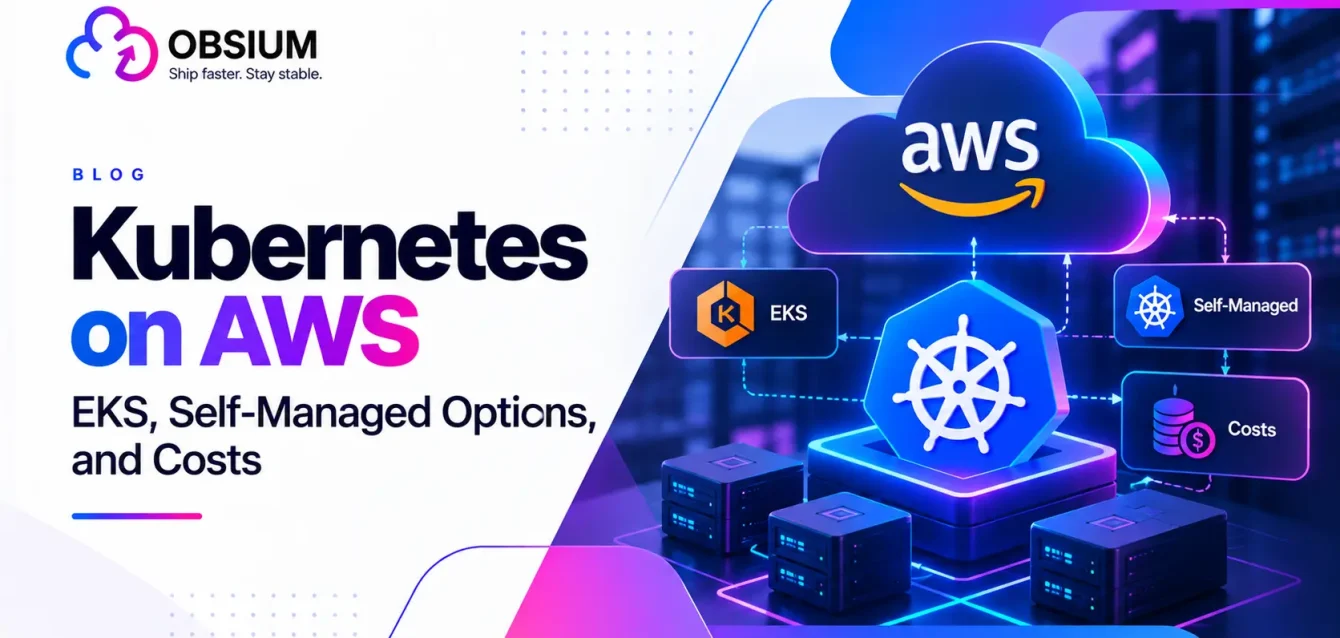
There are two primary approaches: Amazon EKS and self-managed Kubernetes on EC2. Infrastructure automation tools such as Terraform can support either.
| Option | Who manages Kubernetes? | Effort | Best for |
|---|---|---|---|
| Amazon EKS | AWS manages the control plane | Lower | Most Kubernetes-based applications |
| Self-managed on EC2 | Your engineering team | Higher | Specialized infrastructure requirements |
| Terraform-provisioned | Depends on EKS or self-managed setup | Varies | Repeatable infrastructure deployments |
Amazon EKS: Managed Kubernetes
Amazon EKS handles the infrastructure behind the Kubernetes control plane, which coordinates applications across a cluster.
AWS manages control plane availability and maintenance. Your team remains responsible for applications, access permissions, version upgrades, and many infrastructure decisions.
This distinction matters. EKS reduces operational work, but doesn’t eliminate it.
Ilia Medvetchii, Senior Engineering Manager at Miro, explained why the company favored EKS:
“All the features that Amazon EKS provides, including the managed control plane, made it superior compared with managing our own Kubernetes clusters.”
Self-Managed Kubernetes on EC2
You can also install Kubernetes directly on Amazon EC2 instances.
This provides greater control, but your team must maintain the control plane, handle upgrades, manage availability, and troubleshoot infrastructure failures.
For companies with experienced platform engineers, that flexibility can be worthwhile. For smaller teams, it may create more maintenance work than necessary.
Terraform can automate infrastructure provisioning for either approach. See our Terraform vs. Kubernetes guide for the distinction.
How Does Kubernetes Work on AWS?
A Kubernetes cluster has two main components.
The control plane coordinates what should run. Worker nodes supply the computing resources that run applications.
With EKS, AWS manages the control plane, while applications run on EC2 instances, Fargate, or supported hybrid infrastructure.
For example, a business might operate its website, customer API, and background processing service on separate Kubernetes workloads within one EKS cluster.
When one application needs more capacity, it can scale independently of the others.
Amazon EKS Compute Options
Choosing EKS doesn’t mean there’s only one way to run applications.
| Option | What it offers | Best for |
|---|---|---|
| EC2 managed node groups | Managed groups of EC2 instances | General applications |
| AWS Fargate | Compute without managing servers | Compatible serverless workloads |
| EKS Hybrid Nodes | Runs workloads on external infrastructure | Hybrid environments |
| EKS Auto Mode | Automates more infrastructure management | Teams reducing operational effort |
What Is EKS Auto Mode?
EKS Auto Mode goes beyond managing the control plane. It automates more of the work involved in providing compute capacity, scaling nodes, and maintaining supported infrastructure components.
For example, a SaaS platform experiencing fluctuating demand can benefit from automatically adding and removing computing capacity.
AWS reports that UFODRIVE, a mobility technology company, achieved a 30% reduction in infrastructure costs and twice-as-fast scaling during peak traffic after adopting EKS Auto Mode.
These are customer-reported results, not guaranteed savings.
Source: AWS EKS customer stories
Auto Mode does carry an additional management fee, so its benefits should be evaluated against the extra cost.
EKS vs. Self-Managed Kubernetes: Which Should You Choose?
The biggest difference isn’t functionality. It’s operational responsibility.
| Factor | Amazon EKS | Self-managed |
|---|---|---|
| Setup | Easier | More complex |
| Maintenance | Lower effort | Higher effort |
| Control | High | Greater |
| Cluster fee | Yes | No EKS fee |
| Infrastructure costs | Separate | Separate |
Choose EKS if your team wants to focus on developing applications rather than maintaining Kubernetes infrastructure.
Choose self-managed Kubernetes if you need extensive control and already have the expertise to operate it reliably.
For smaller applications, it’s also worth asking whether Kubernetes is necessary at all. Amazon ECS may offer a simpler route to running containers.
Read our managed vs. self-managed Kubernetes comparison for more details.
Kubernetes on AWS Pricing: How Much Does It Cost?
Kubernetes software is free, but running it on AWS isn’t.
With EKS, you pay a cluster fee in addition to computing, storage, networking, and other services.
Amazon EKS Cluster Pricing
AWS’s published rates as of October 2026 are:
| Support tier | Hourly rate | Monthly cost* |
|---|---|---|
| Standard support | $0.10 | $73 |
| Extended support | $0.60 | $438 |
Based on 730 hours. Excludes additional infrastructure charges.
AWS provides 14 months of standard support for an EKS Kubernetes version, followed by 12 months of extended support.
That means keeping an older Kubernetes version can increase the cluster fee sixfold.
A Real AWS Pricing Example
AWS provides an EKS Auto Mode pricing example based on an application running frontend, backend, and data-processing workloads in the US West (Oregon) Region.
| Monthly expense | AWS example |
|---|---|
| EC2 computing | $1,046.82 |
| EKS Auto Mode management | $125.62 |
| EKS standard cluster fee | $73.00 |
| Total | $1,245.44 |
This subtotal excludes other possible expenses, including storage, load balancing, and data transfer.
The example illustrates an important point: the EKS cluster fee is only one part of the Kubernetes bill.
Source: Official Amazon EKS pricing.
How Can You Reduce Costs?
Start by identifying underused resources, selecting appropriately sized EC2 instances, and scaling applications according to actual demand.
Keeping Kubernetes versions updated can also avoid extended-support fees.
For practical recommendations, read our Kubernetes cost optimization and FinOps guides.
Security and Networking on EKS
AWS manages EKS control plane infrastructure, but organizations remain responsible for securing their applications.
Amazon VPC provides network isolation, IAM manages access to AWS resources, and security groups help control network traffic.
For example, an application that only needs to read files from Amazon S3 shouldn’t receive unrestricted access to other AWS services.
Using EKS Pod Identity or IAM roles for service accounts helps provide more narrowly scoped permissions.
See our Kubernetes security best practices for additional guidance.
Where Businesses Use Amazon EKS
EKS supports applications ranging from customer-facing platforms to AI and data-processing systems.
One example is H2O.ai, which uses Amazon EKS to operate its AI platform.
Asaf Oren, Director of Cloud Development at H2O.ai, reported:
“Currently, we have over 300 AI models running on Amazon EKS within our SaaS platform.”
Other common applications include internal developer platforms, hybrid cloud environments, and application modernization.
For teams planning a migration, our cloud migration checklist provides a useful starting point.
Best Practices for Kubernetes on AWS
A well-designed EKS environment should balance reliability, cost, and operational simplicity.
- Start small: Choose an architecture that matches your actual application requirements.
- Monitor spending: Track compute usage, idle resources, and cluster charges.
- Keep versions current: Plan upgrades before extended-support fees apply.
- Secure application access: Use appropriate IAM permissions and network controls.
- Automate carefully: Use tools such as Terraform and EKS Auto Mode when the operational benefits justify them.
As environments grow, consistent monitoring becomes increasingly important. Our Kubernetes observability guide covers this in more detail.
Frequently Asked Questions
Does AWS support Kubernetes?
Yes. AWS offers Amazon EKS, its managed Kubernetes service. You can also run self-managed Kubernetes on EC2 instances.
Is Kubernetes free on AWS?
Kubernetes is open source and free, but AWS infrastructure isn’t. EKS also charges a cluster management fee, starting at $0.10 per hour for standard version support.
What is the difference between Kubernetes and EKS?
Kubernetes is the open-source container orchestration platform. EKS is AWS’s managed service for running Kubernetes.
Can I run Kubernetes on EC2 without EKS?
Yes. However, your team must manage Kubernetes installation, control plane maintenance, upgrades, and availability.
What is EKS Auto Mode?
EKS Auto Mode automates more infrastructure operations, including compute provisioning, node scaling, and maintenance of supported components.
EKS vs. ECS: Which is better?
EKS is better suited to organizations that require Kubernetes compatibility and its ecosystem. ECS is often simpler for teams running containers entirely within AWS without needing Kubernetes.
When to Bring in AWS Kubernetes Help
Choosing the right Kubernetes setup requires balancing infrastructure costs, application needs, and your team’s operational capabilities.
Obsium helps organizations plan, optimize, and manage AWS and Kubernetes environments with an emphasis on reliability and cost efficiency.
Explore our AWS cloud consulting services or Kubernetes consulting services to find the right approach for your business.