

92% of organizations use or evaluate Kubernetes. 96% of those who evaluate it end up adopting it (ReleaseRun: Kubernetes Statistics and Adoption Trends 2026). Those numbers make it sound like the decision is already made for you.
But 91% of Kubernetes users are organizations with 1,000+ employees (Tigera: 36 Kubernetes Statistics 2025). If you are a 10-person team running a handful of services, Kubernetes might be the wrong tool. It solves problems you do not have yet and introduces operational complexity you do not have the headcount to manage.
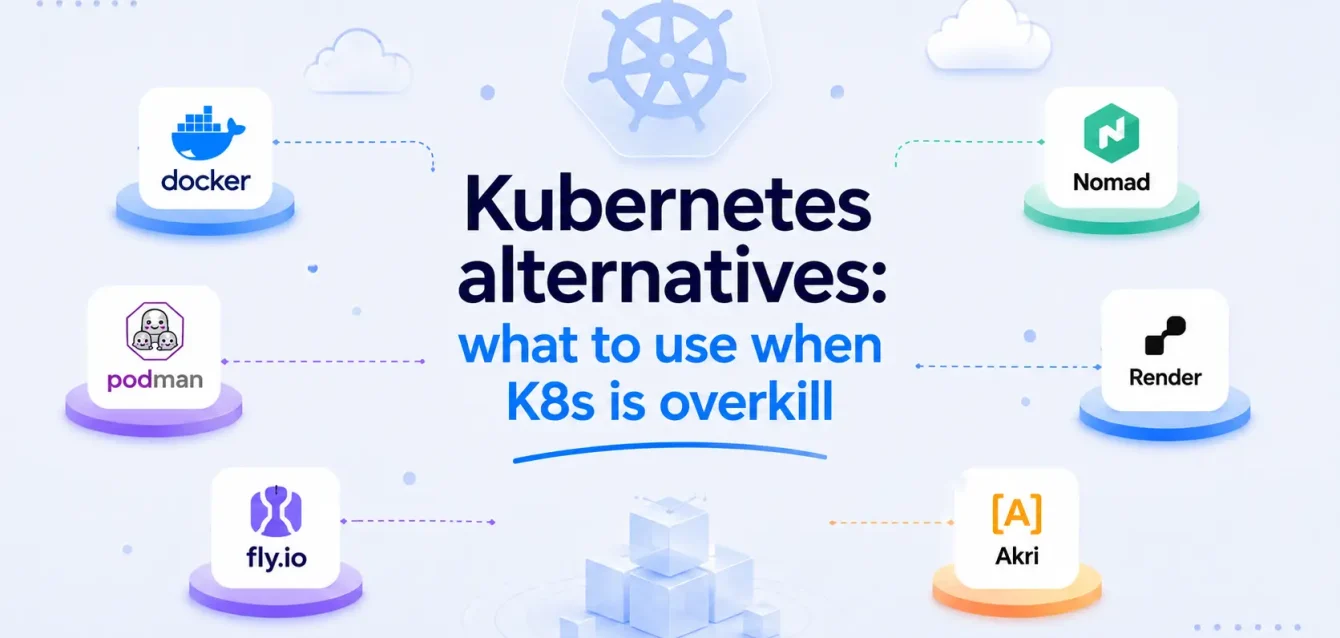
This post compares the real Kubernetes alternatives: Docker Compose, Docker Swarm, HashiCorp Nomad, AWS ECS, Cloud Foundry, and bare metal. When each one is the better choice, when Kubernetes is still the right call, and how to decide without defaulting to “just use Kubernetes because everyone else does.”
The comparison at a glance
| Tool | Best for | Complexity | Multi-cloud | Auto-scaling | Max practical scale | Learning curve |
|---|---|---|---|---|---|---|
| Docker Compose | Single-node apps, dev environments, small SaaS | Very low | No | No | 1 node | Minutes |
| Docker Swarm | Small teams, simple multi-node deployments | Low | No | Basic | ~50 nodes | Hours |
| HashiCorp Nomad | Mixed workloads (containers + VMs + batch jobs) | Medium | Yes | Yes | 10,000+ nodes | Days |
| AWS ECS | AWS-only teams, stateless services | Low-medium | No (AWS lock-in) | Yes (with Fargate) | Thousands of tasks | Hours |
| Cloud Foundry | Enterprise PaaS, developer self-service | Medium-high | Yes | Yes | Thousands of apps | Days |
| Kubernetes | Large-scale, multi-cloud, complex microservices | High | Yes | Yes (HPA, VPA, Cluster) | Thousands of nodes | Weeks to months |
Docker Compose vs Kubernetes
Docker Compose is the simplest way to run multi-container applications. You define your services in a YAML file, run docker compose up, and everything starts on a single machine. No cluster, no control plane, no networking plugins.
Where Compose works:
- Single-server applications that do not need horizontal scaling
- Development and staging environments
- Internal tools and dashboards with low traffic
- Edge deployments or on-premises appliances
- Small SaaS products with a single-digit number of services
Where it falls apart:
- No built-in high availability. If the host dies, everything dies.
- No horizontal scaling across multiple machines. You are limited to one node.
- No rolling updates. You bring containers down and back up.
- No service discovery across hosts.
A 2026 case study found Docker Compose sustaining 99%+ uptime in production with proper health checks and resource limits (DEV Community: Docker Compose in Production 2026). The catch is that this was a single-node deployment. If your application fits on one server and does not need automatic failover, Compose is a legitimate production choice. Many teams run it that way and never outgrow it.
Docker Compose is not a Kubernetes alternative in the way Swarm or Nomad are. It solves a different problem: running containers on one machine without any orchestration overhead. The question is whether you actually need orchestration.
Docker Swarm vs Kubernetes
Docker Swarm is the closest thing to “Kubernetes but simpler.” It is built into Docker, uses the same Docker CLI, and supports multi-node clustering with service discovery, load balancing, and rolling updates.
Kubernetes holds 92% of the container orchestration market. Swarm sits at roughly 3-5% (Enlyft: Docker Swarm Market Share). But market share is not the whole story. Docker Compose/Swarm usage among PHP developers went from 17% in 2024 to 24% in 2025, while Kubernetes dropped by about 1% in the same group (The Decipherist: Docker Swarm vs Kubernetes 2026). Among developers who ship products instead of managing platforms, Swarm is actually gaining ground.
What Swarm does well compared to Kubernetes:
- Setup takes minutes, not days.
docker swarm initand you have a cluster. - Uses the same Docker CLI and Compose files you already know
- Lower resource overhead. No etcd, no separate control plane components.
- Rolling updates and service health checks work out of the box
- Good enough for clusters under 50 nodes
What Swarm lacks:
- No Horizontal Pod Autoscaler equivalent. Scaling is manual or script-driven.
- Smaller ecosystem. No Helm charts, no operators, fewer integrations.
- No namespace isolation. Multi-tenancy is harder to enforce.
- No network policies. All services can talk to all other services by default.
- No RBAC. Access control is all-or-nothing.
Mirantis (which acquired Docker Enterprise) committed to Swarm support through at least 2030, so this is not a dead project. It is widely used in manufacturing, financial services, energy, and defense where operational simplicity matters more than ecosystem breadth.
The Docker Swarm vs Kubernetes decision comes down to team size and workload complexity. If you have fewer than 50 nodes, a small team, and straightforward services, Swarm does everything you need with far less overhead. If you need auto-scaling, network policies, RBAC, or multi-cloud, Kubernetes is the better fit.
HashiCorp Nomad
Nomad is the most interesting Kubernetes alternative for teams that run more than just containers. It is a single binary that orchestrates containers, VMs, Java applications, batch jobs, and raw executables. No etcd, no separate control plane components, no networking plugin to choose.
How Nomad compares to Kubernetes:
| Feature | Nomad | Kubernetes |
|---|---|---|
| Architecture | Single binary (server + client) | Multiple components (API server, etcd, scheduler, controller manager, kubelet) |
| Workload types | Containers, VMs, Java, batch, raw exec | Containers (primarily) |
| Service discovery | Via Consul (separate tool) | Built-in (kube-dns, CoreDNS) |
| Secret management | Via Vault (separate tool) | Built-in (K8s Secrets) |
| Ecosystem | Smaller, HashiCorp-focused | Massive, thousands of tools |
| Proven scale | 10,000+ nodes | 5,000+ nodes (officially supported) |
| Setup complexity | Low (single binary) | High (multiple components, networking, storage) |
Nomad works especially well if you are already in the HashiCorp ecosystem (Terraform, Consul, Vault). The tools were designed to work together. If you are not already using HashiCorp tools, adding Consul for service discovery and Vault for secrets means managing three products instead of one.
A SaaS team that switched from Kubernetes to Nomad in 2026 cited reduced operational complexity as the main reason. Their 5-person engineering team was spending more time maintaining the cluster than building the product (DEV Community: Why We Switched Our SaaS to Nomad). That is the pattern: Kubernetes scales to massive clusters, but the operational cost at a small scale is disproportionate.
AWS ECS
If your entire infrastructure is on AWS and you have no plans to leave, ECS is worth considering before Kubernetes. It runs containers without the Kubernetes control plane overhead, integrates natively with IAM, security groups, and load balancers, and has no control plane fee.
Where ECS makes more sense than Kubernetes:
- AWS-only teams with no multi-cloud requirements
- Fewer than 15 microservices
- Stateless web services and APIs
- Teams that do not know Kubernetes and do not want the learning curve
- Budget-constrained startups that need to ship fast
Where Kubernetes (EKS) makes more sense:
- Multi-cloud or hybrid deployments
- More than 15-20 services with complex dependencies
- Teams that need the Kubernetes ecosystem (Helm, operators, service mesh)
- Workloads that might move off AWS eventually
ECS with Fargate is the closest thing to “just run my containers” on AWS. No nodes to manage, no control plane to configure, native auto-scaling. The tradeoff is full AWS lock-in. Your deployment configs, service definitions, and networking setup are all AWS-specific and do not transfer to another cloud.
Practical guidance from AWS itself: start with ECS Fargate, migrate to EKS when you have a concrete reason to (AWS Blog: Amazon ECS vs Amazon EKS). Many successful companies run production on ECS for years and never need to migrate.
Cloud Foundry vs Kubernetes
Cloud Foundry is a PaaS (Platform as a Service) that predates Kubernetes. You push your application code, and Cloud Foundry handles the container image, routing, scaling, and deployment. No Dockerfiles, no YAML manifests, no infrastructure decisions.
The developer experience is simpler than Kubernetes: cf push And your application is live. But Cloud Foundry is opinionated about how applications run. It assumes 12-factor apps (stateless, horizontally scalable, environment-configured). If your workload does not fit that model, Cloud Foundry fights you.
The tradeoffs come down to audience and flexibility. Cloud Foundry targets developer productivity. Kubernetes targets infrastructure flexibility. Cloud Foundry abstracts containers entirely, while Kubernetes makes you manage them.
The ecosystem gap is large: Kubernetes has thousands of tools, integrations, and operators. Cloud Foundry’s community is smaller and shrinking, with many existing users migrating to Kubernetes-based platforms like KubeCF and Korifi.
The Cloud Foundry vs Kubernetes choice mostly matters for enterprises with existing Cloud Foundry deployments. If you are starting fresh in 2026, Cloud Foundry is hard to recommend over Kubernetes unless your team specifically needs a PaaS model and does not want to manage any infrastructure.
Bare metal and single-server deployments
Not every application needs orchestration. If you are running a single application on a single server, the right Kubernetes alternative might be no orchestrator at all.
A Linux server with systemd, a reverse proxy (Nginx or Caddy), and a deployment script can handle:
- Personal projects and side businesses
- Low-traffic internal tools
- Simple APIs and webhooks
- Static sites with a backend
The setup is simple: SSH in, pull the latest code or container image, restart the service. No YAML, no cluster, no control plane. Monitoring is straightforward, too. A single Prometheus instance with Node Exporter covers the entire machine.
This approach breaks down when you need high availability (no automatic failover), horizontal scaling (one server is one server), or zero-downtime deploys (you need a load balancer and multiple instances for that).
How to decide
The decision tree is shorter than it looks:
Are you on a single server? Use Docker Compose or bare metal. Add orchestration later if you outgrow it.
Do you need multi-node but have a small team? Docker Swarm or ECS (if AWS-only). Both get you clustering without the Kubernetes learning curve.
Do you run mixed workloads (containers + VMs + batch)? Nomad. Kubernetes is container-focused. Nomad handles everything.
Are you AWS-only with fewer than 15 services? ECS with Fargate. Simpler than EKS, no control plane fee, native AWS integration.
Do you need multi-cloud, auto-scaling, network policies, RBAC, and a large ecosystem? Kubernetes. Nothing else covers all of these.
Are you an enterprise with an existing Cloud Foundry deployment? Keep it if it works. Migrate to Kubernetes when the cost of staying on Cloud Foundry exceeds the cost of migrating.
The honest answer for most teams: start simple. Docker Compose or ECS handles more than people give it credit for. Move to Kubernetes when you have a specific problem that requires it, not because it is the industry default.
What happens after you pick Kubernetes
If you do end up on Kubernetes, the next problem is visibility. Kubernetes abstracts away the infrastructure, which is the whole point, but that abstraction makes it harder to see what is happening inside your cluster. Pod restarts, resource limits, network latency between services, and storage I/O. All of it needs monitoring.
The standard open-source stack for Kubernetes observability is Prometheus (metrics), Grafana (dashboards), Loki (logs), and Tempo (traces). Getting those deployed, configured, and maintained is its own project.
Where Obsium fits
If your team picked Kubernetes and needs help with the monitoring side, book a free 30-minute observability consultation. No sales deck, just an engineer-to-engineer chat about your stack.